Custom interfaces · client 1.65

Camelot's old client,
redrawn for the frontiers.

One project, two skins: Cfmike Blackthorn Flat UI in dark amber and Cfmike Eden Flat UI in deep green. Every window of the 2001 client rebuilt flat, a graphic configurator, and not a single XML file to edit.

124 downloads served · verified zips · SHA-256 checksums on every release

Albion Midgard Hibernia Whatever banner you ride under, the interface reads the same.

Cfmike Blackthorn Flat UI

For the Blackthorn freeshard · dark amber theme

The original skin, built for RvR: readable in the middle of a fight, quiet the rest of the time.

  • Fully flat redraw of every window in the 1.65 client
  • Blackthorn toolbar: combat, actions, windows and realm, one keybind away
  • Configurator: fonts, four sizes, two bar styles, automatic backups
v1.6.7 Aug 18, 2026 · 4.9 MB
Download v1.6.7 Screenshots and changelog

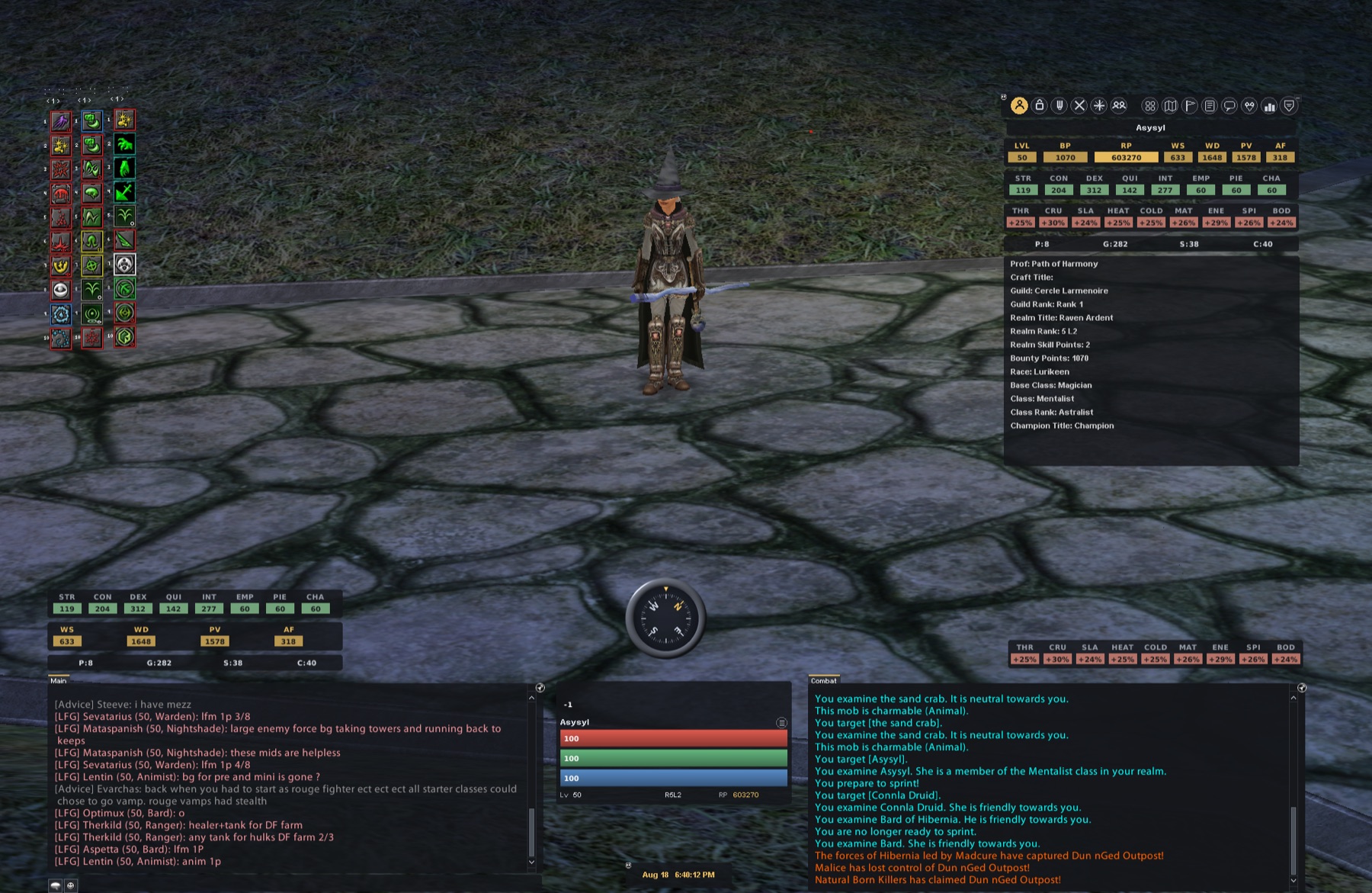
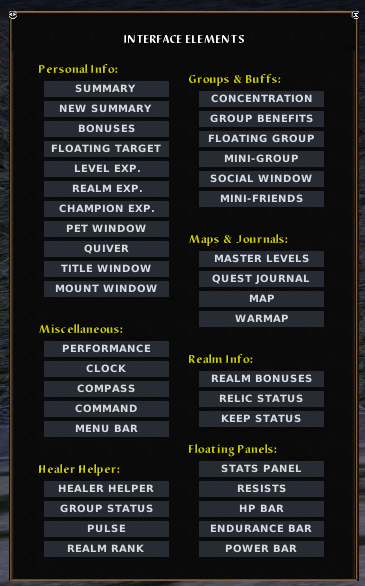
Cfmike Blackthorn Flat UI: interface elements menu

Cfmike Eden Flat UI

For the Eden freeshard · deep green theme

The same flat foundations, rebuilt for Eden with a graphic chooser that covers nearly everything.

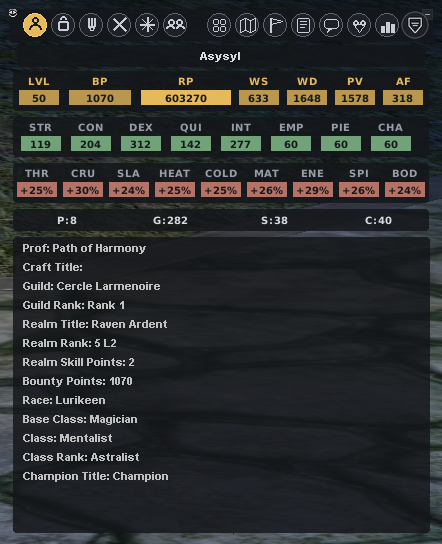
  • Four character sheet layouts, six healer helpers, round 3D compass
  • Graphic chooser (config.hta): chips, shapes, fonts, icons, bars
  • English or French, switched in one click, chooser included
v1.1 Aug 20, 2026 · 10.4 MB

Download v1.1 Screenshots and changelog

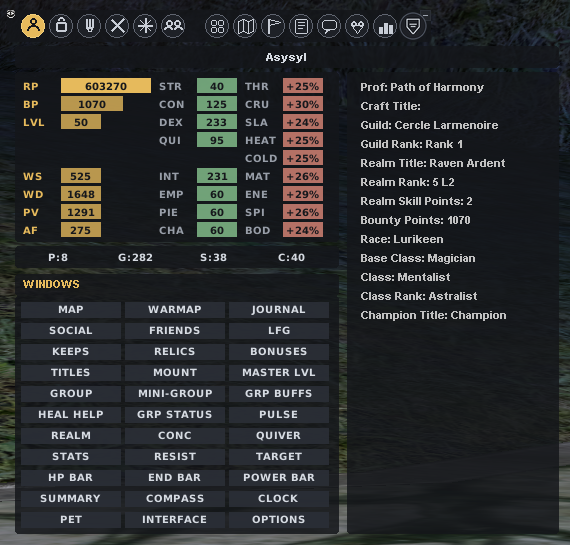
Cfmike Eden Flat UI: vertical character sheet with windows grid
124
downloads served
124
over the last 30 days
4
published versions
2
freeshards covered

Counted anonymously: no IP address is ever stored in clear text. Full numbers on the stats page.

Five minute setup

Unzip, select, play.

Both skins install the same way: drop the custom/ folder into the game's ui/ directory, pick the custom interface in the options, done. No game file is ever modified, and rolling back takes one click.

Read the install guide

Location of the custom folder inside the Dark Age of Camelot ui directory